
teagcos

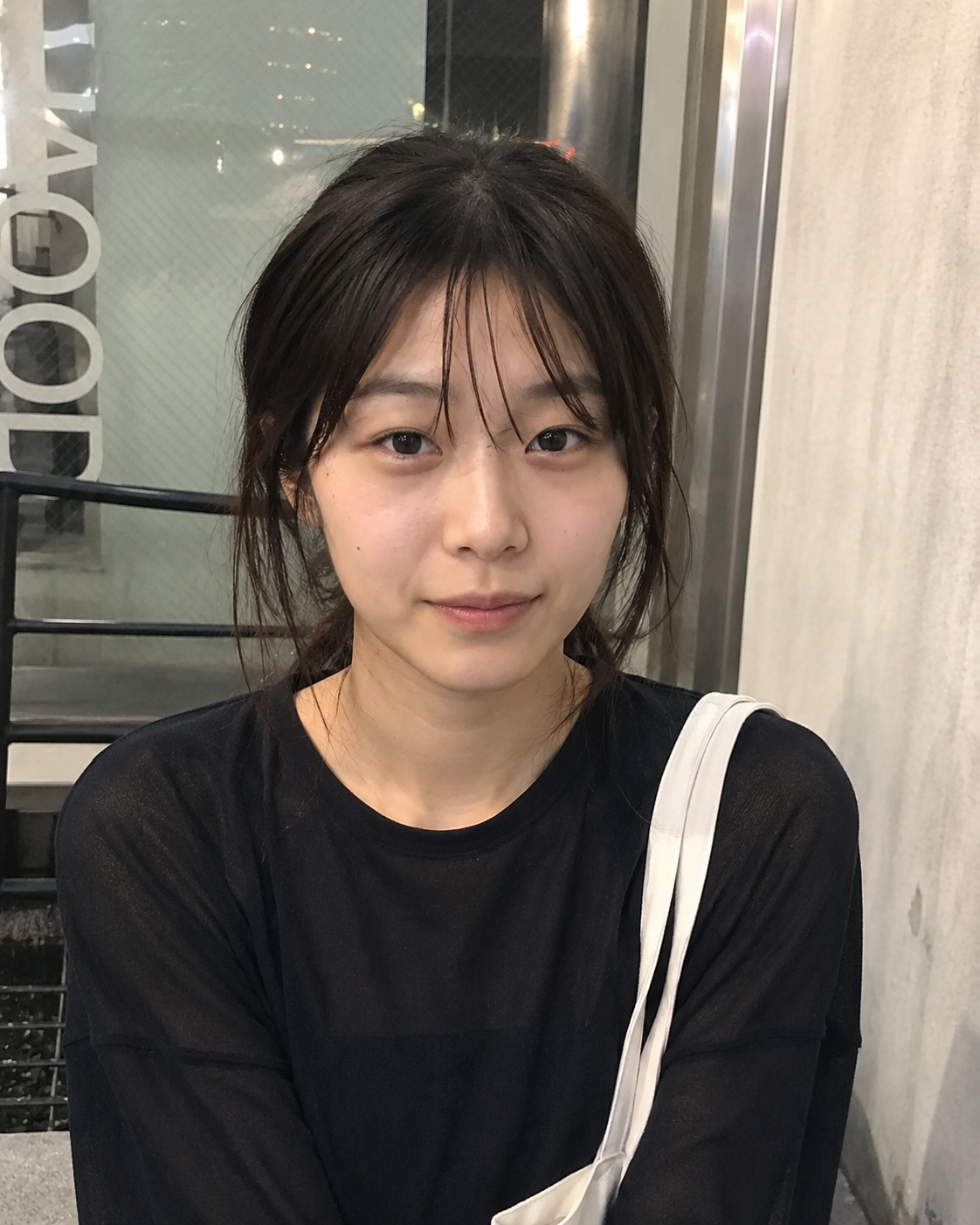
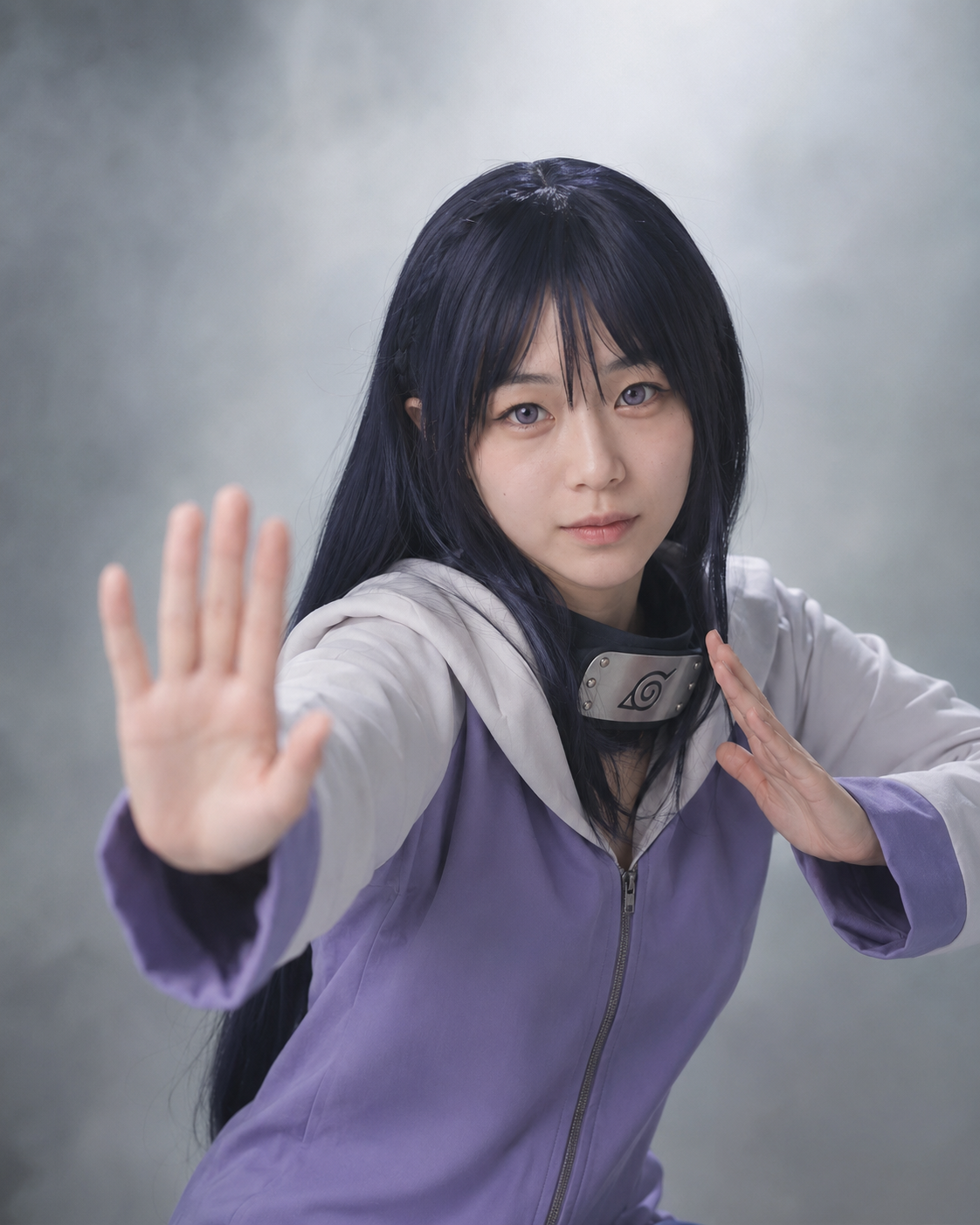
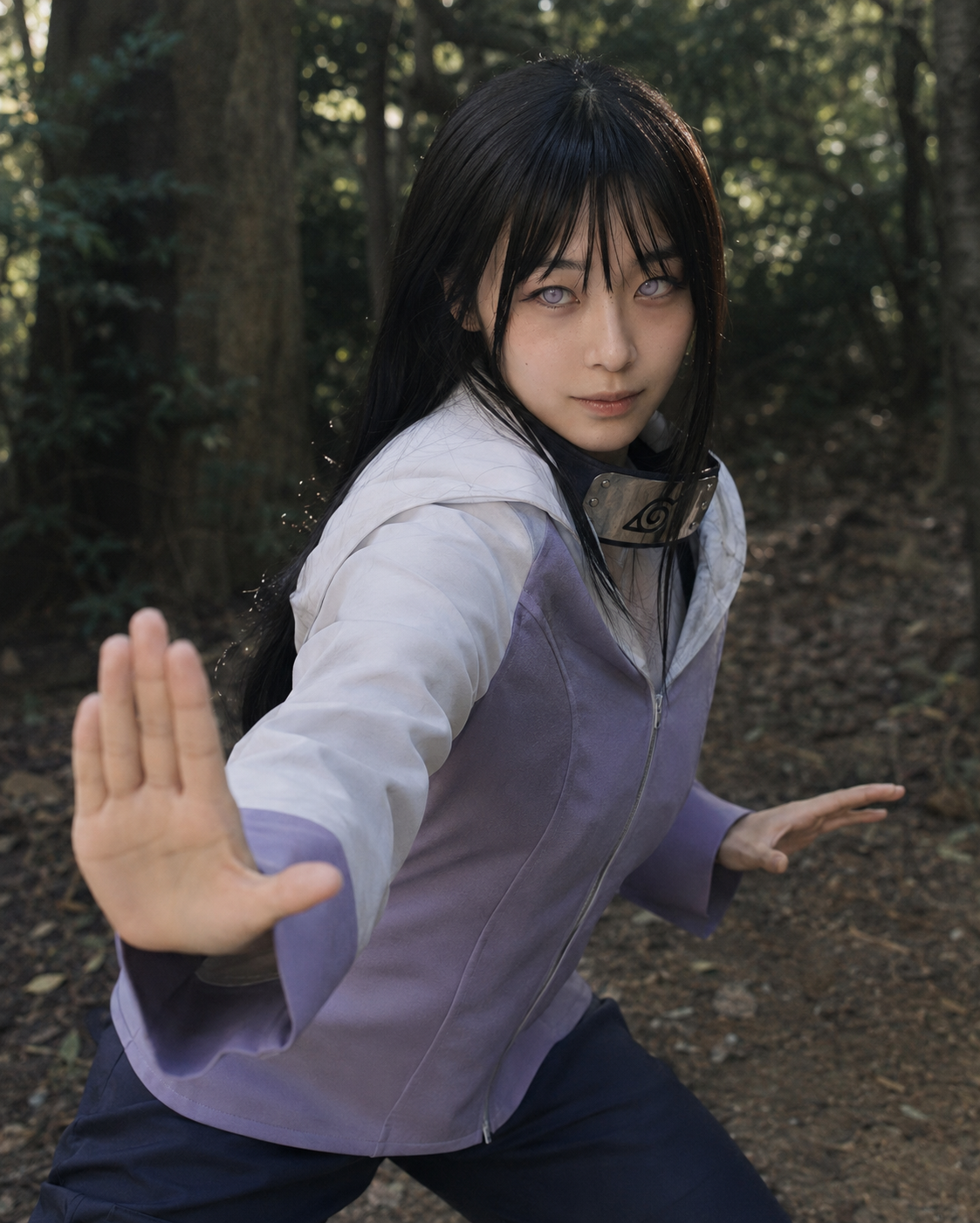
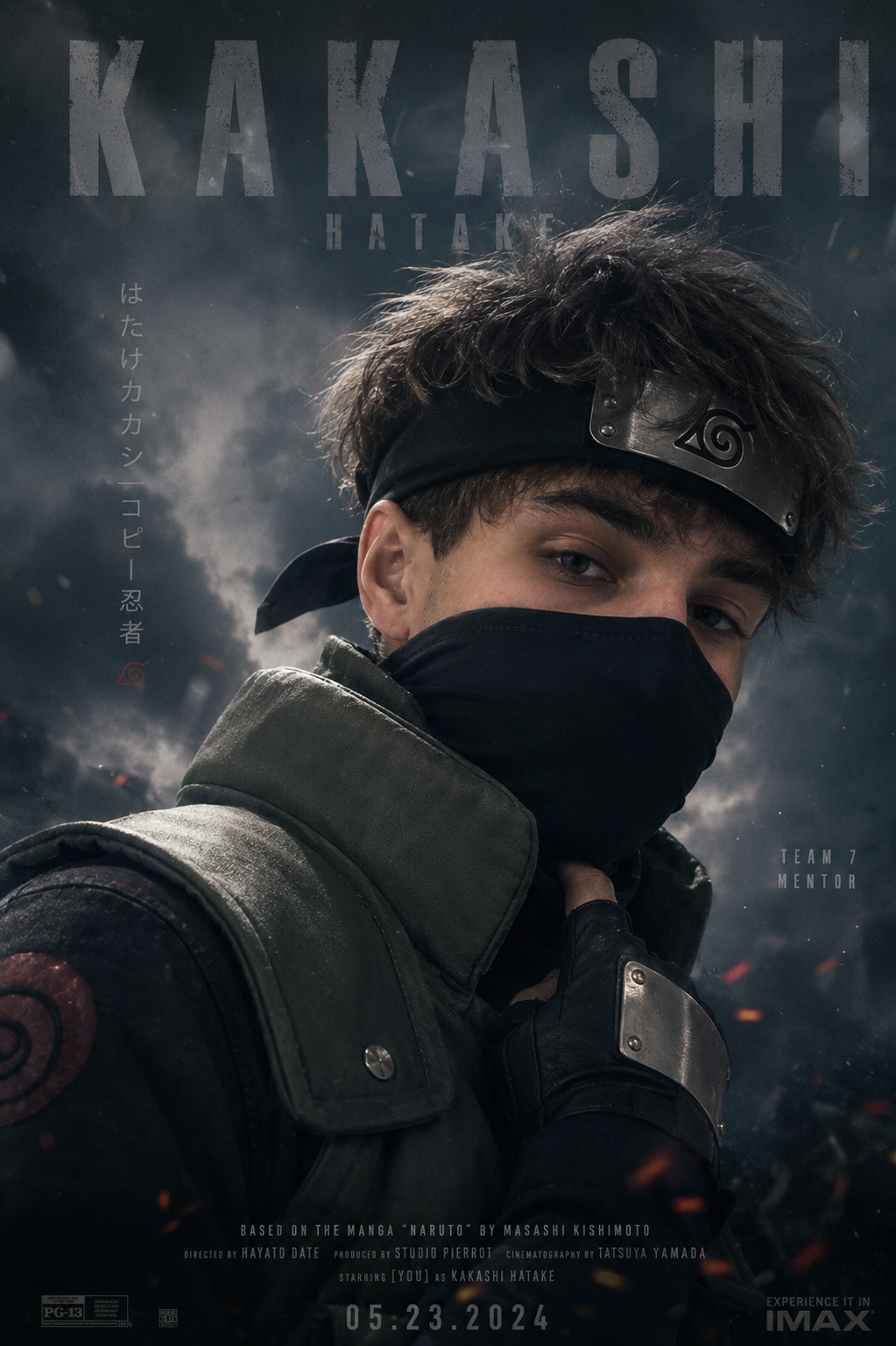
Upload a selfie, choose a character, and preview your cosplay look before you bring it to life.

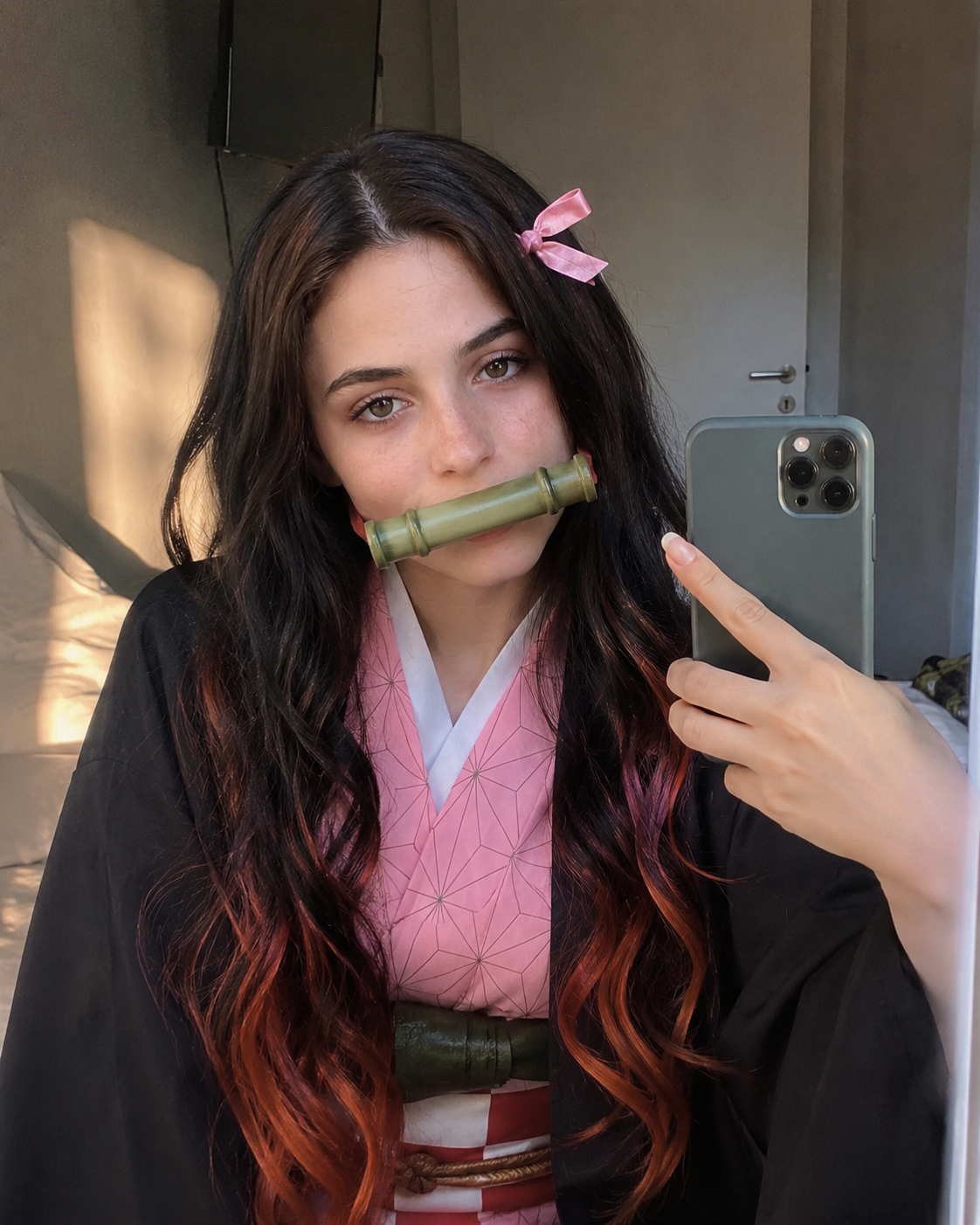
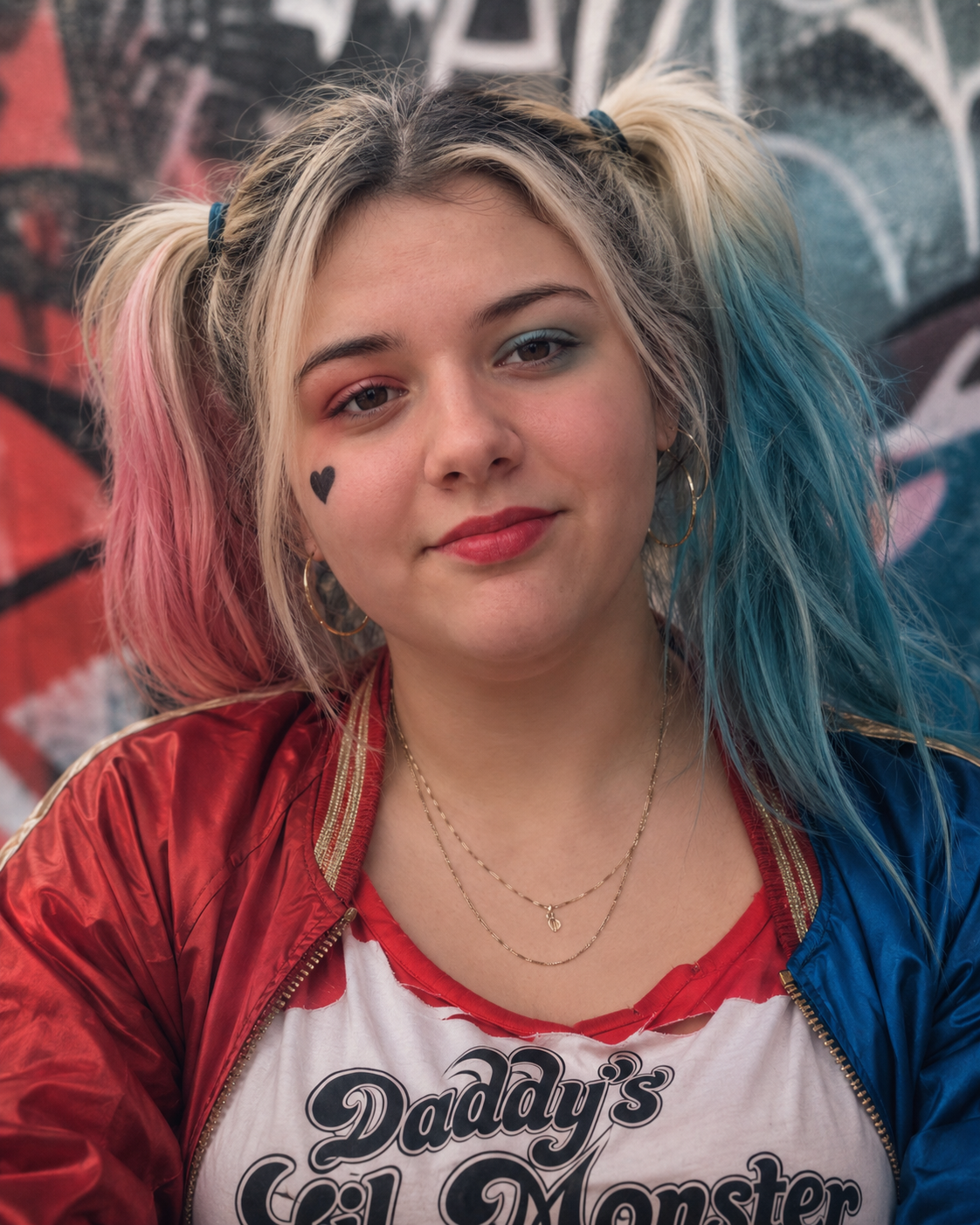
Fresh signals from characters, conventions, and cosplay culture this week
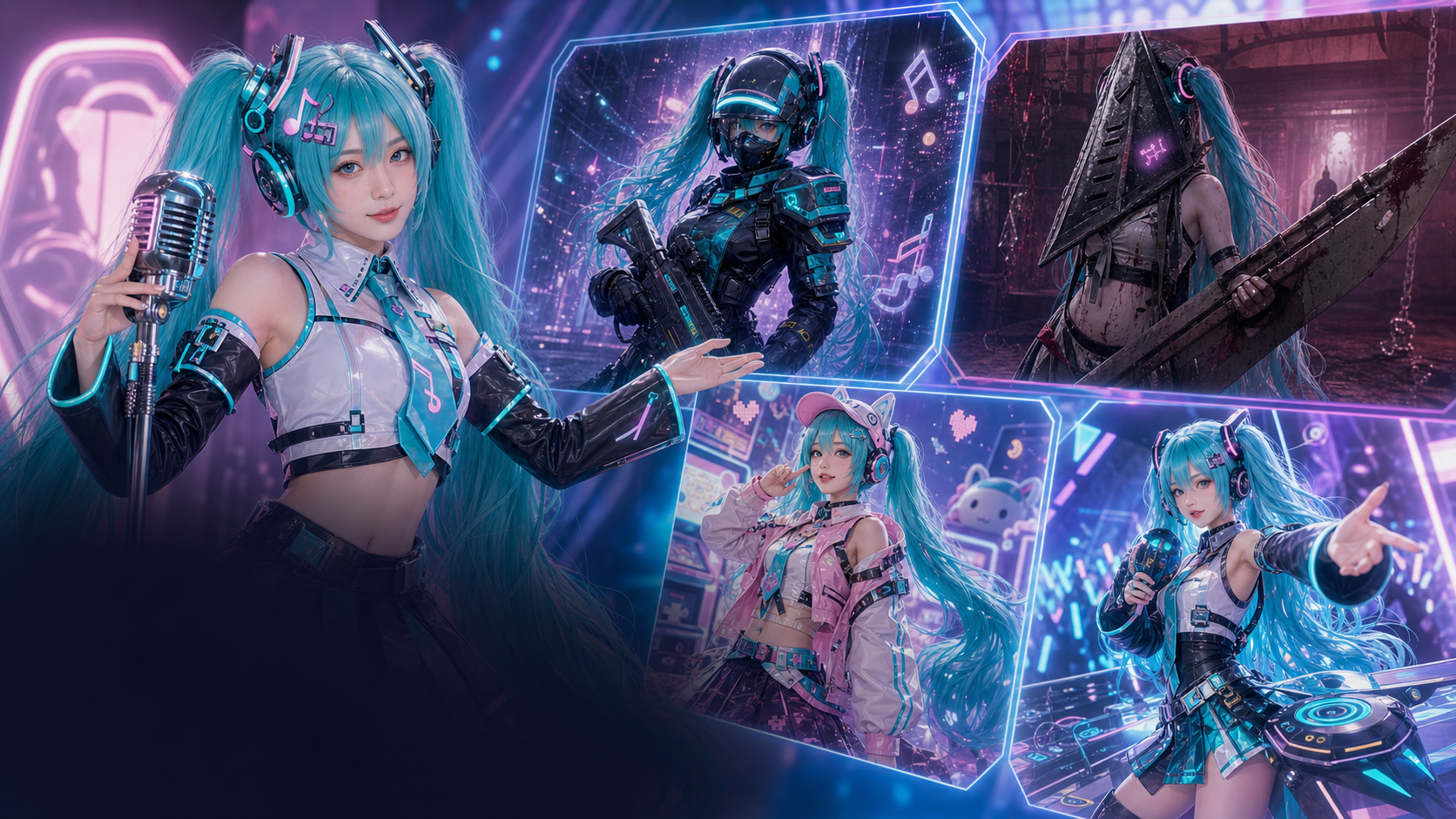 IP TREND · MAY 31Miku Remix Wave
A fresh Character Select column calls out the anything-goes Miku remix wave, a perfect cue for customizable AI cosplay looks.
Explore Signal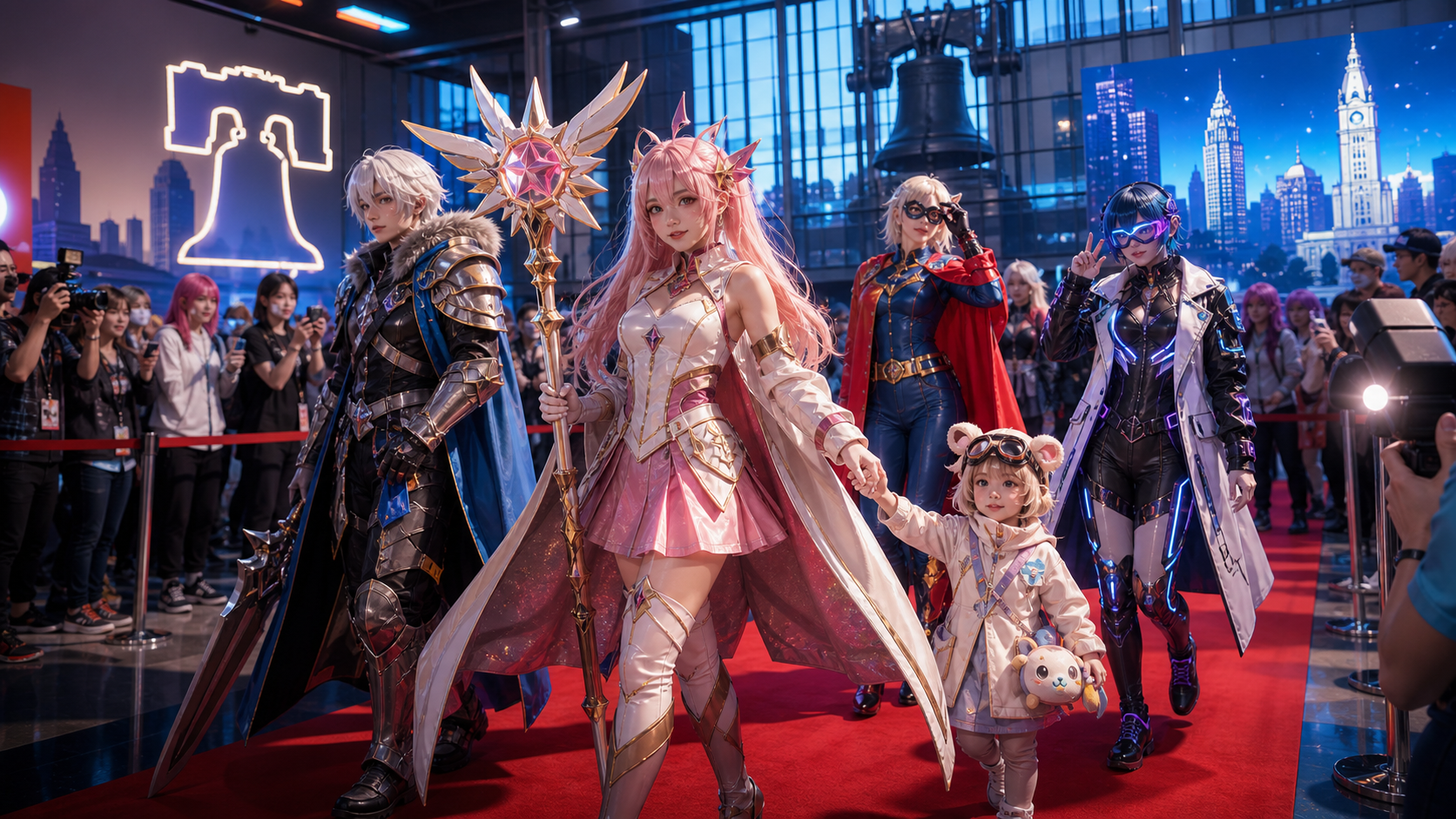 EVENT · MAY 29-31Cosplay Red Carpet
The May 29-31 expo highlights anime meetups, cosplay events, and family red-carpet moments users can recreate as AI portraits.
Explore Signal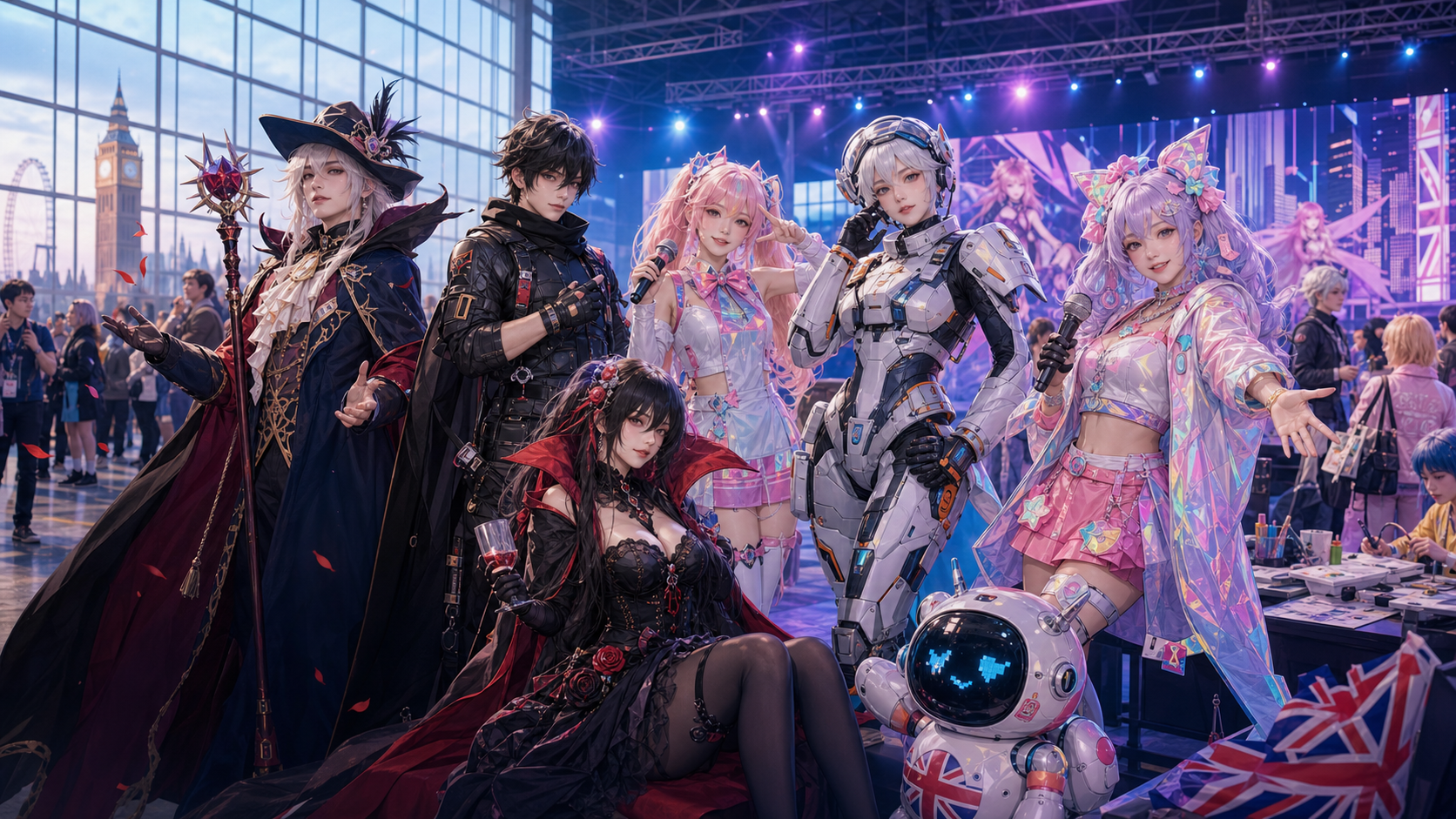 EVENT · MAY 22-24MCM Group-Shot Energy
MCM London returned May 22-24 with Cosplay Central, Pop Asia, panels, and creator meetups worth turning into group-shot styles.
Explore Signal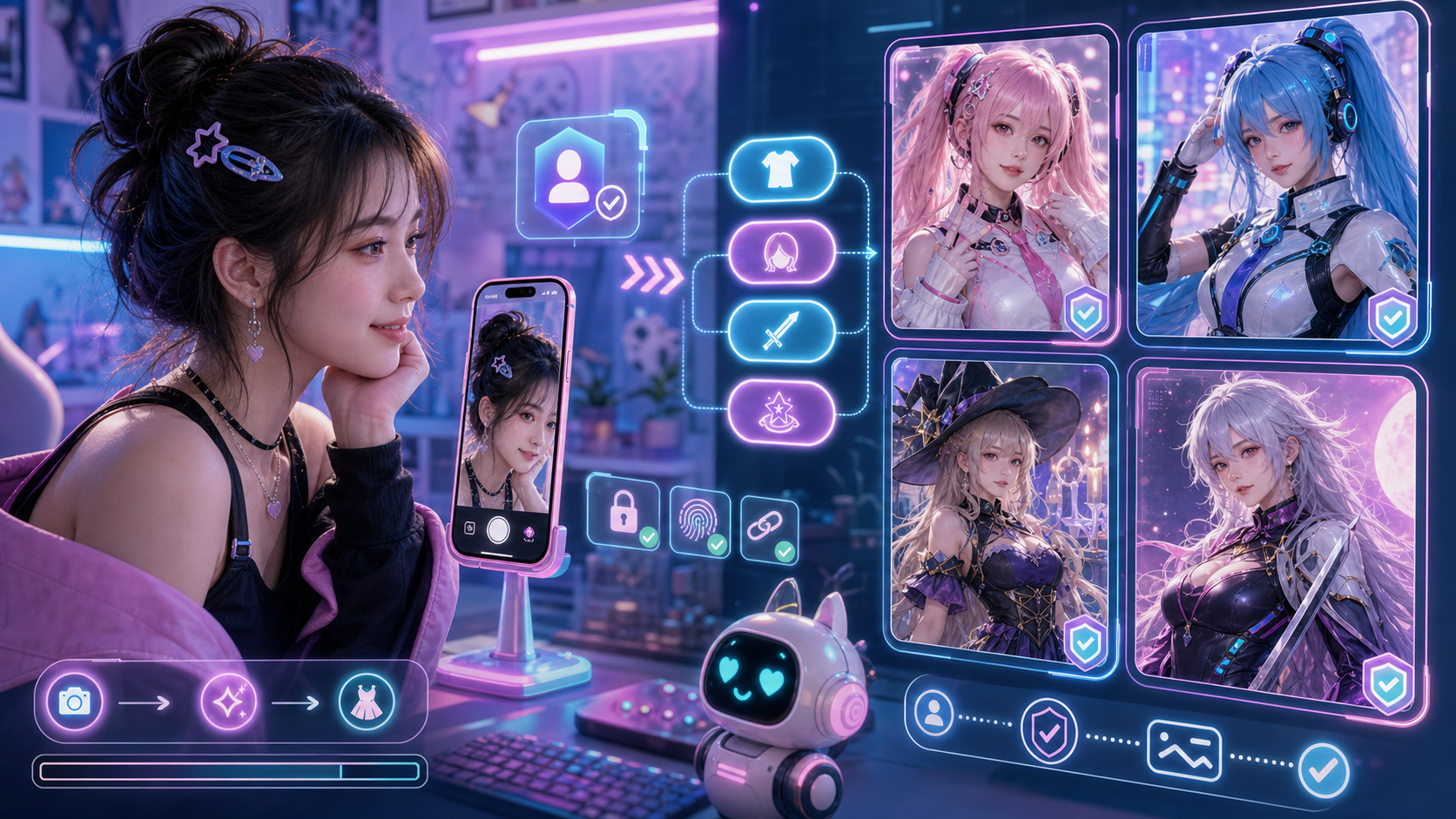 HOT TOPIC · MAY 30Selfie to Cosplay
A May 30 AI art tools roundup lists anime and cosplay among mainstream creative workflows, reinforcing selfie-to-look generation.
Explore SignalFree
$19.9 one-time
$19.9/mo
$29.9/mo
FAQ
Use a clear, well-lit selfie where your face is visible. The AI works best with front-facing photos and minimal blur.
Yes. Pick a character category, choose a character, then select the final photo type such as movie poster, studio shoot, or avatar portrait.
Guests can preview community creations. Signing in unlocks saving, remixing, downloads, and credit history.
The interface is prepared for English, Traditional Chinese, Simplified Chinese, Spanish, Japanese, Korean, German, and French. The MVP content is English first.