Cosplaying AI cosplay 照片生成器标志Cosplaying
排名第一的 AI Cosplay 照片生成器

先看看自己变成 本命角色的样子

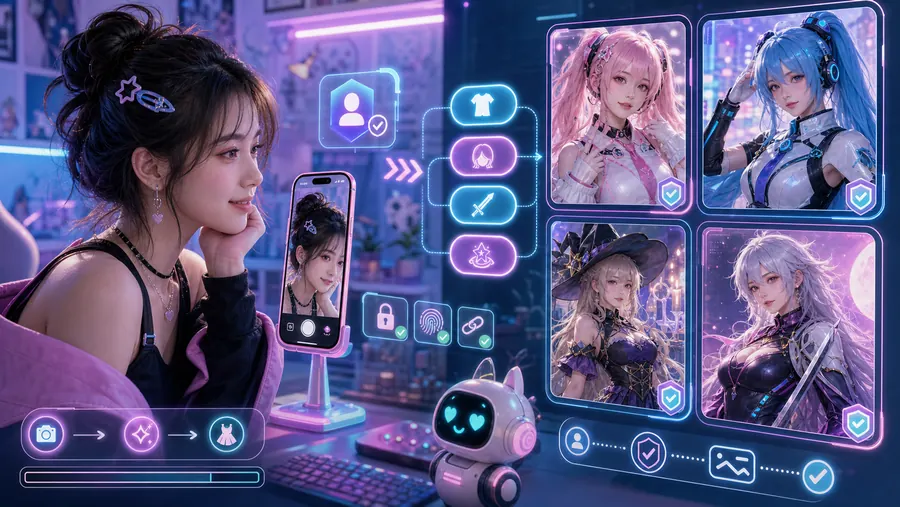
上传自拍,选好角色和照片风格,几秒内预览一张像真的 cosplay 成片。

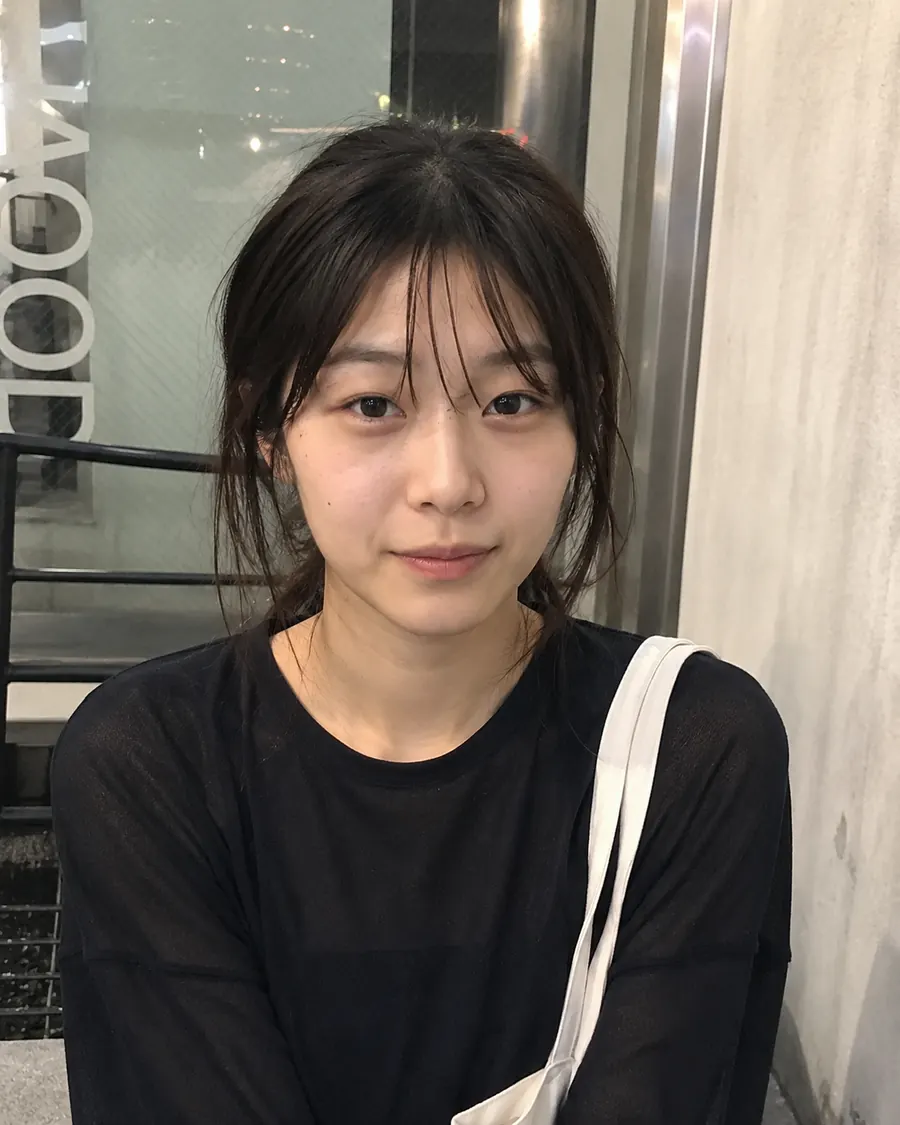
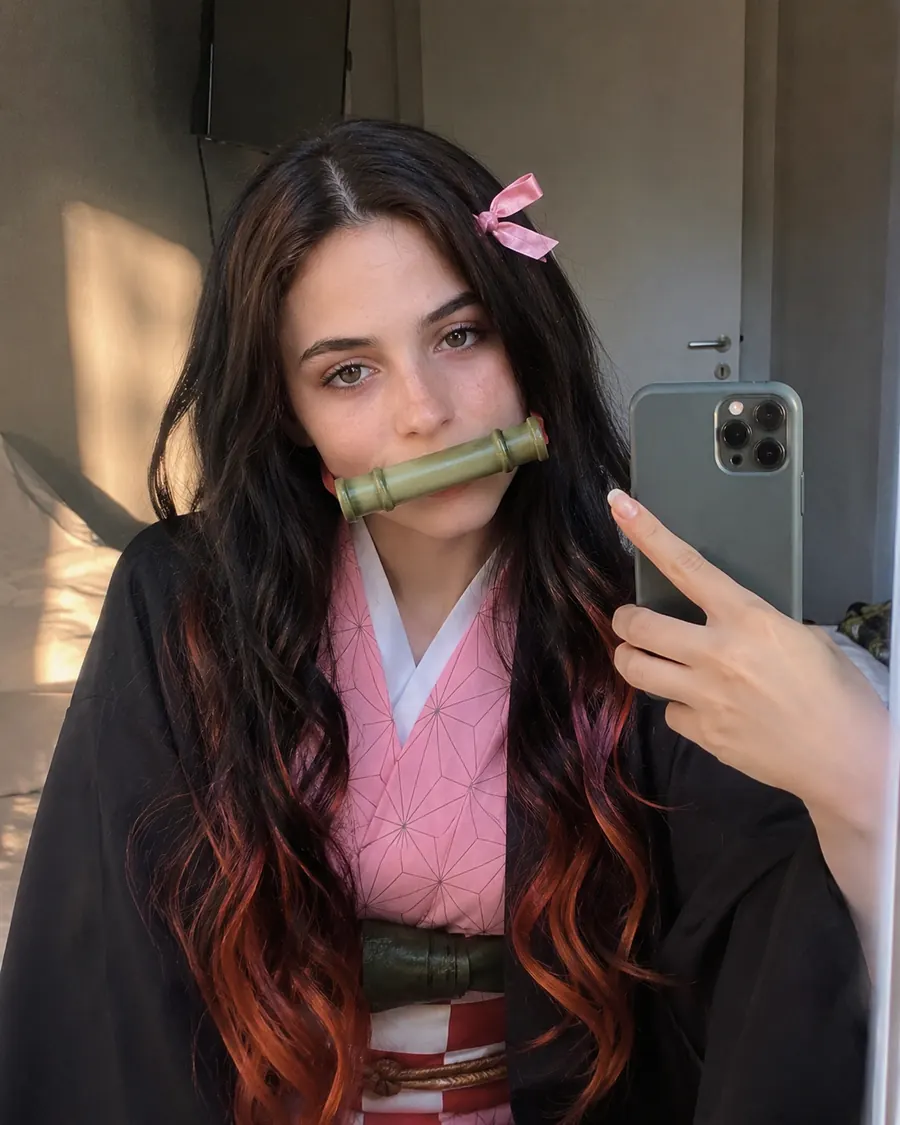
Selfie uploaded as the starting photo for an AI cosplay character transformation.
原始自拍
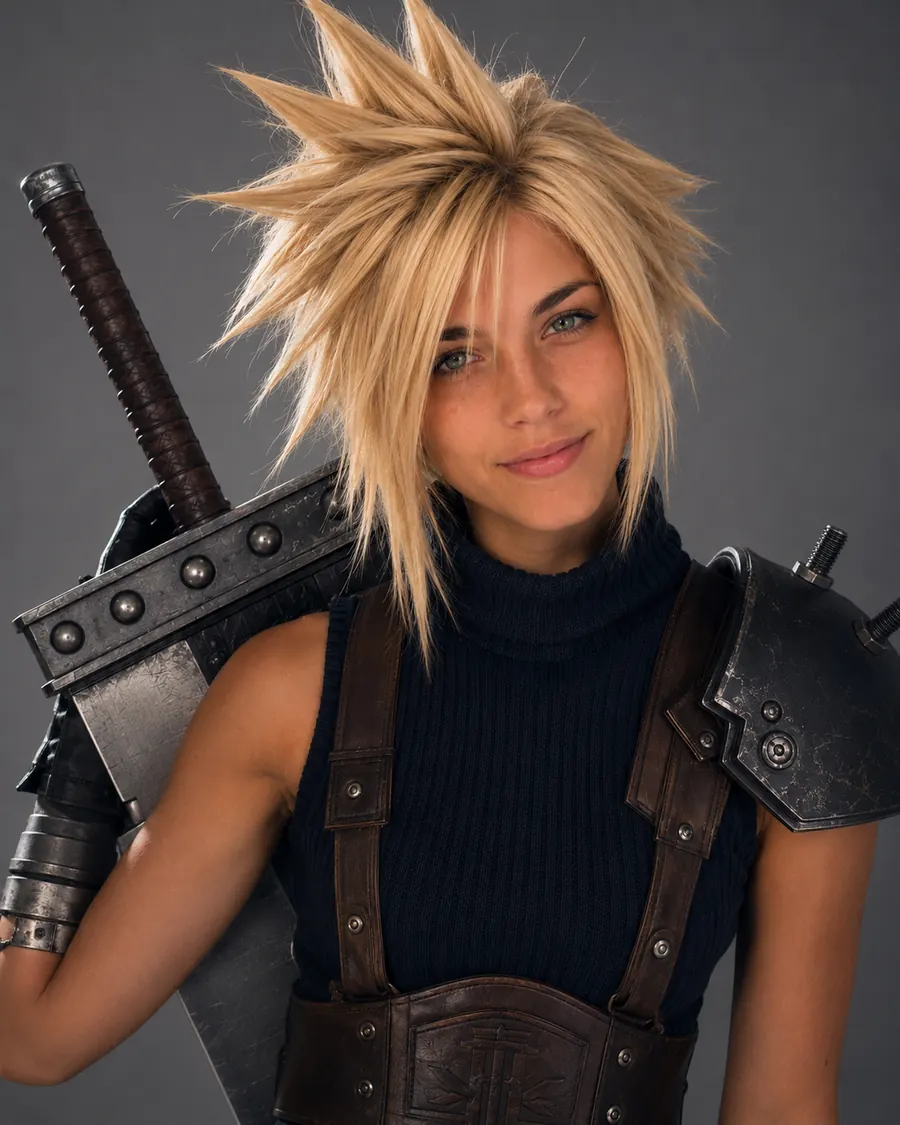
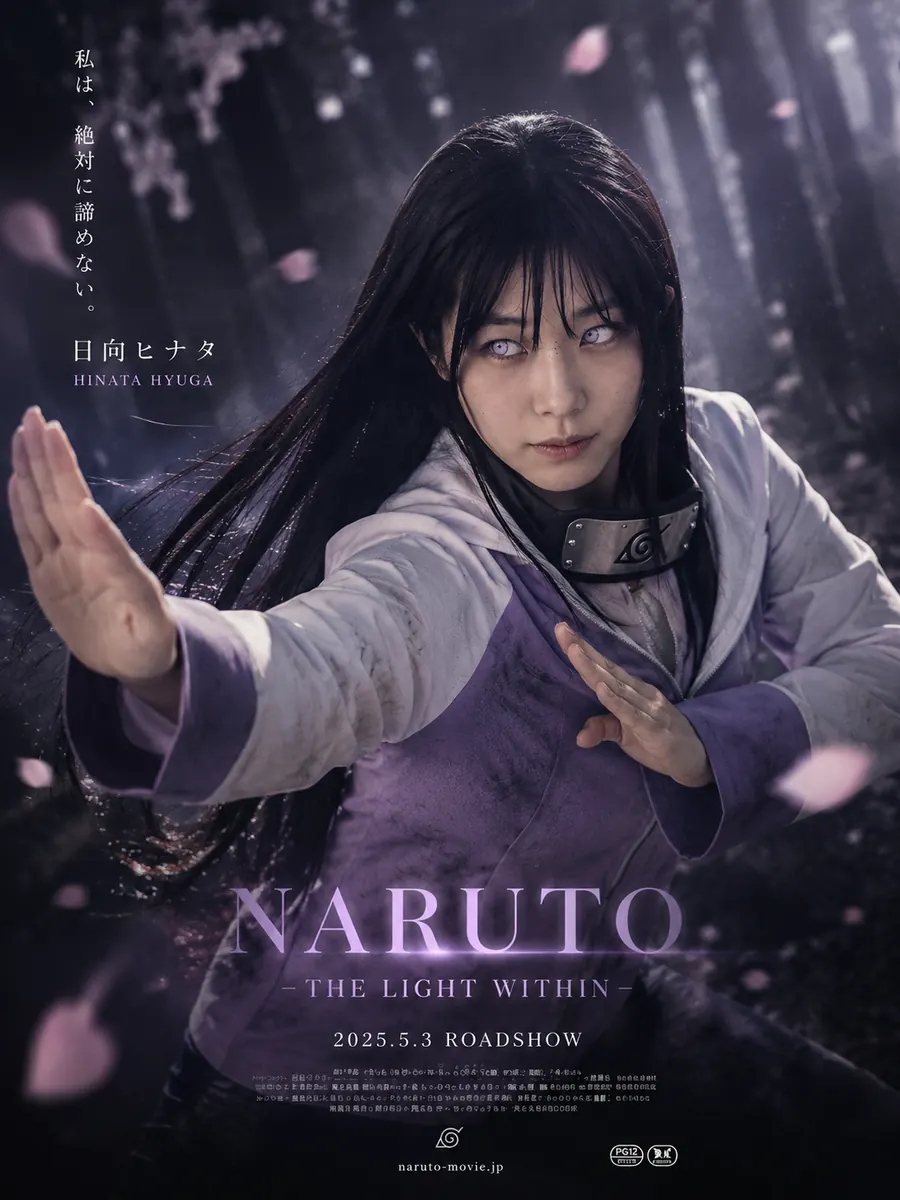
AI cosplay photo result with a dramatic convention portrait look and detailed character styling.
方案 1
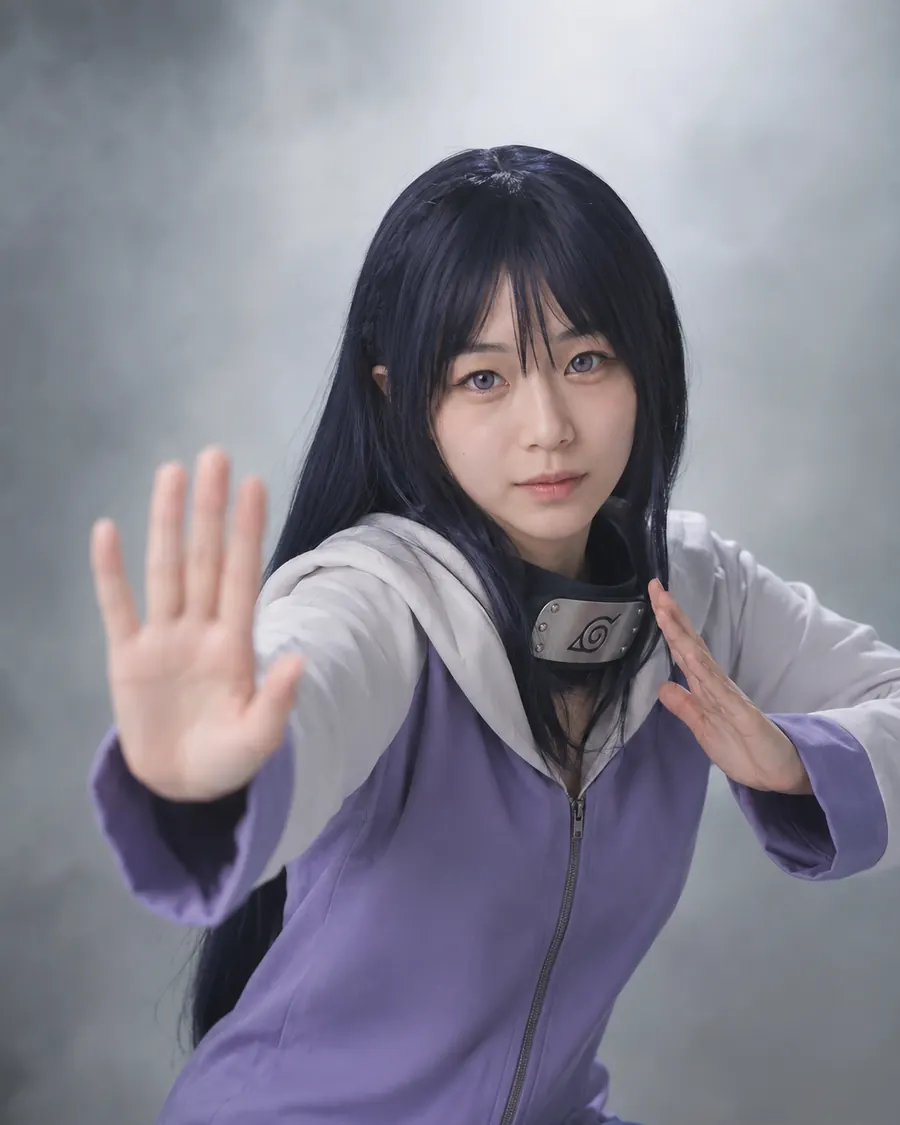
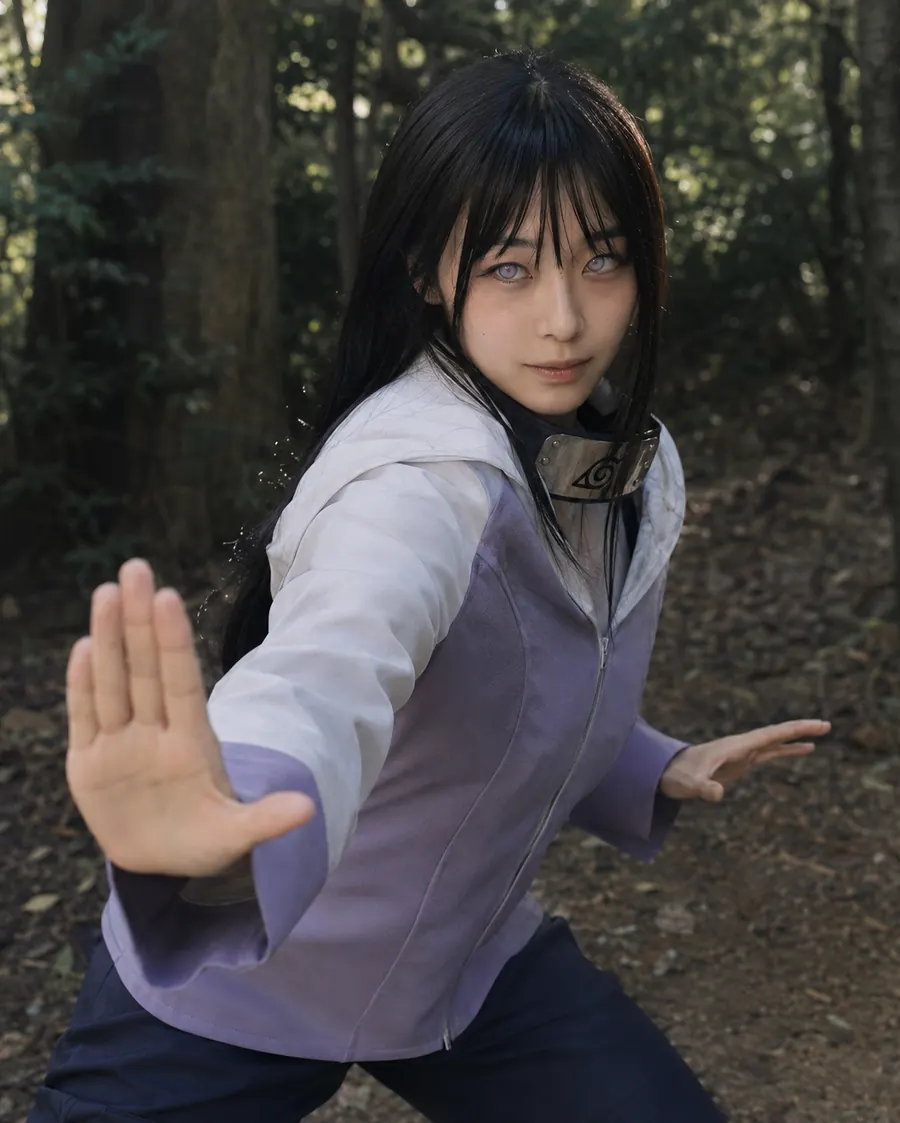
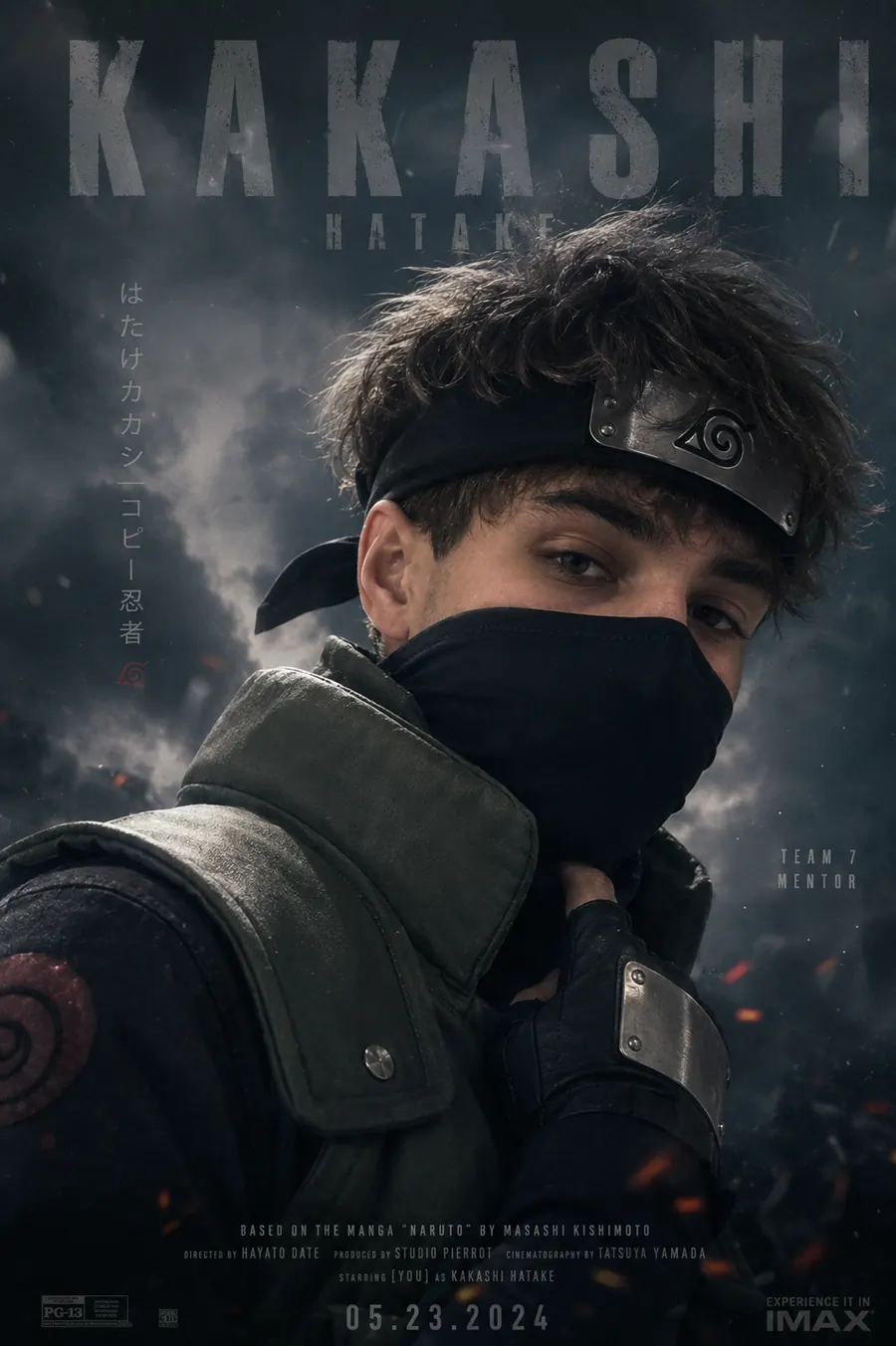
Generated cosplay image turning a selfie into an anime-inspired character portrait.
方案 2
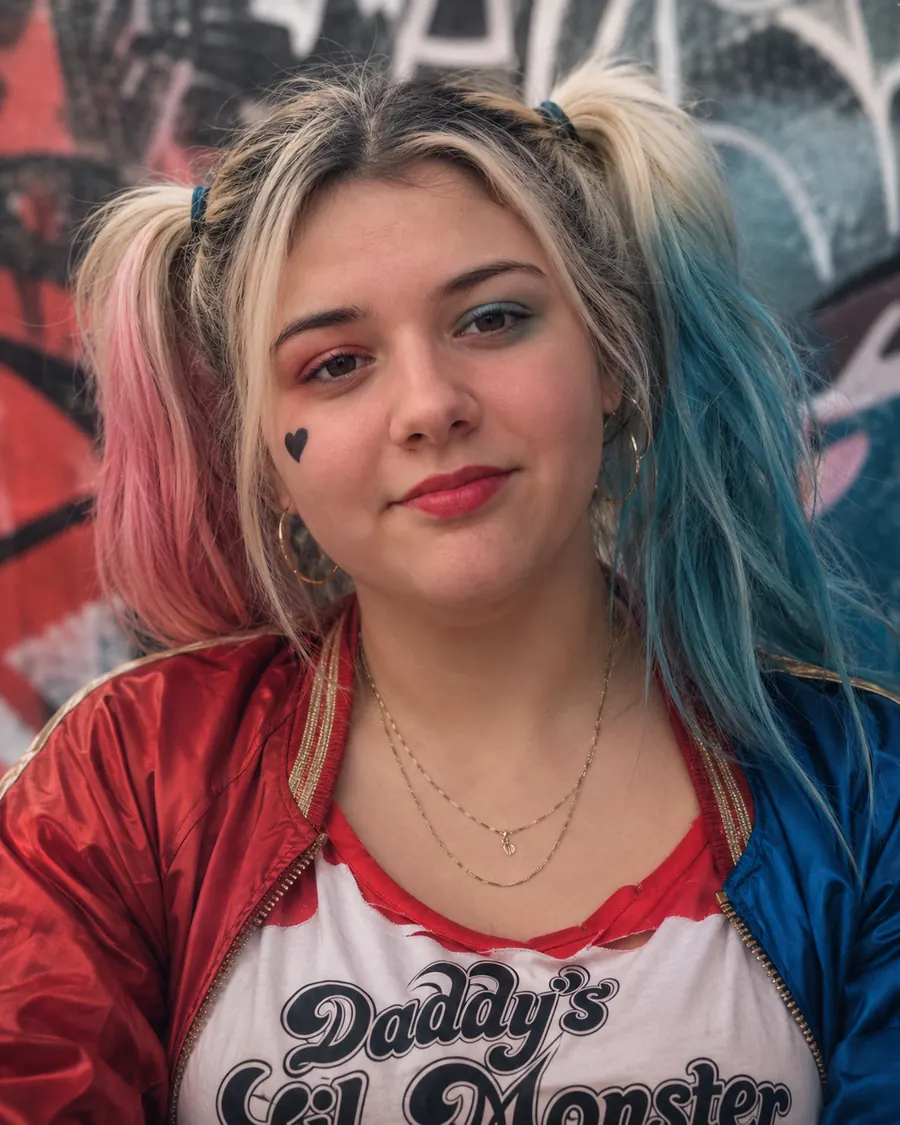
AI character photo preview with polished cosplay costume details and studio lighting.
方案 3

社区新作

Community AI cosplay creation showing a polished anime character portrait from a selfie.
teagcos
Fan-made AI cosplay image with dramatic character styling and portrait lighting.
VoidCrow
AI cosplay generator result styled as a detailed character photo for social sharing.
KUMOtenka
Cosplay AI portrait from the community feed with expressive costume and character details.
EvieECosplay

Cosplay 趋势雷达

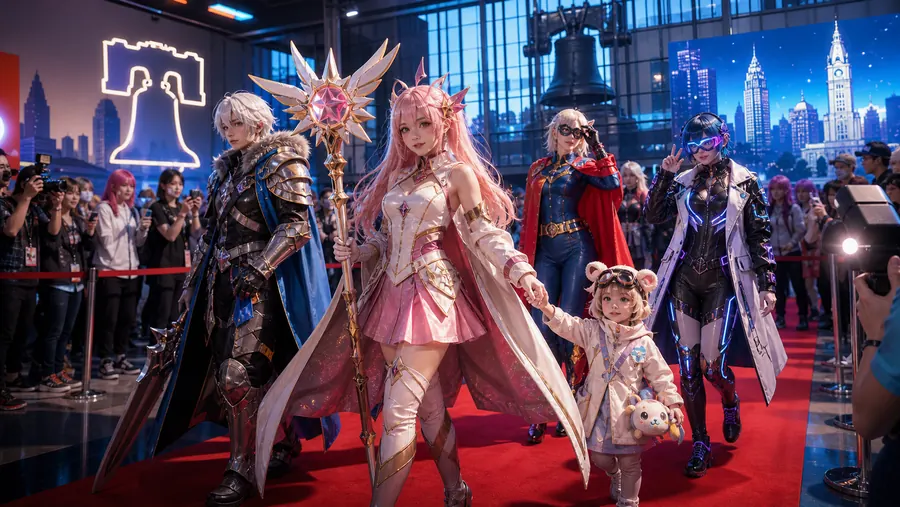
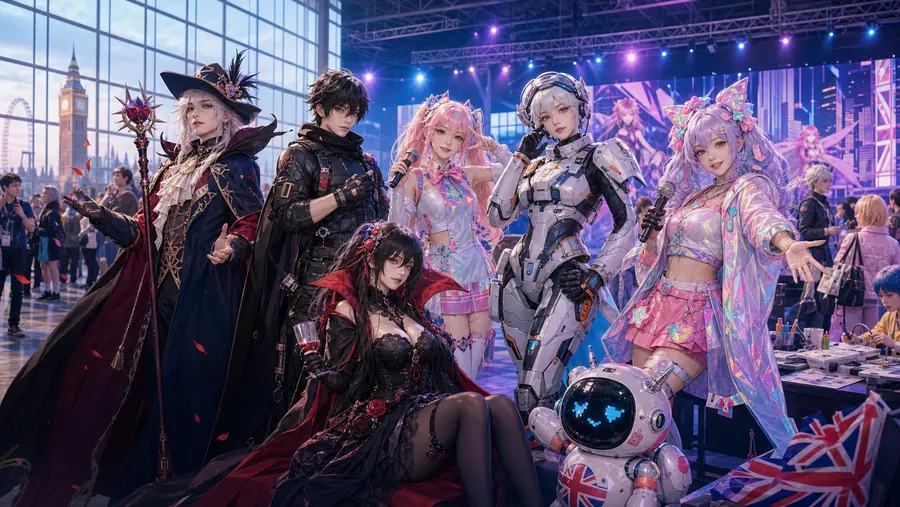
从角色热度、漫展现场和社区创作里找到新的造型灵感

套餐

新手礼包

免费

10 积分

Cosplay Pro 包

$19.9 一次性

400 积分

Silver 月套餐

$19.9/月

500 积分

常见问题

开始生成前,先把关键点说明白。

我应该上传什么样的照片?

建议使用光线明亮、脸部清晰的自拍。正面、少模糊的照片通常效果最好。

可以指定角色吗?

可以。先选角色分类,再选角色,最后选择电影海报、棚拍、头像等照片风格。

游客能预览吗?

游客可以查看社区示例。登录后可以保存、下载并查看积分记录。

支持哪些语言?

界面支持英文、繁体中文、简体中文、西班牙文、日文、韩文、德文和法文。

AI cosplay 照片适合哪些角色灵感和漫展用途?

Cosplaying 可以把一张清晰自拍变成 AI cosplay 照片,适合先测试角色造型、社区头像、同人创作灵感或漫展前的服装方向。不需要先准备棚拍、道具或修图流程,就能用动漫、游戏、漫画、电影和会场风格快速比较不同角色感。

从自拍开始做角色感照片

上传一张脸部清晰的照片,选择角色分类和照片格式,再补充发色、服装、姿势、背景、灯光或情绪。这个流程适合 cosplay 预览、原创角色概念、社区帖子和活动前造型参考。

适合头像、海报和漫展感照片

不同照片类型会带出不同结果。头像适合个人资料,棚拍适合干净角色照,红毯和会场风格适合漫展氛围,海报风格则更有电影感。

清晰输入会让结果更稳定

建议使用光线明亮、脸部可见、模糊较少的自拍。提示词越具体,比如角色类型、服装细节、色彩、场景和用途,AI 生成结果越接近你想要的 cosplay 方向。
AI Cosplay 照片生成器,把自拍变角色照 | Cosplaying